Preserving your family history
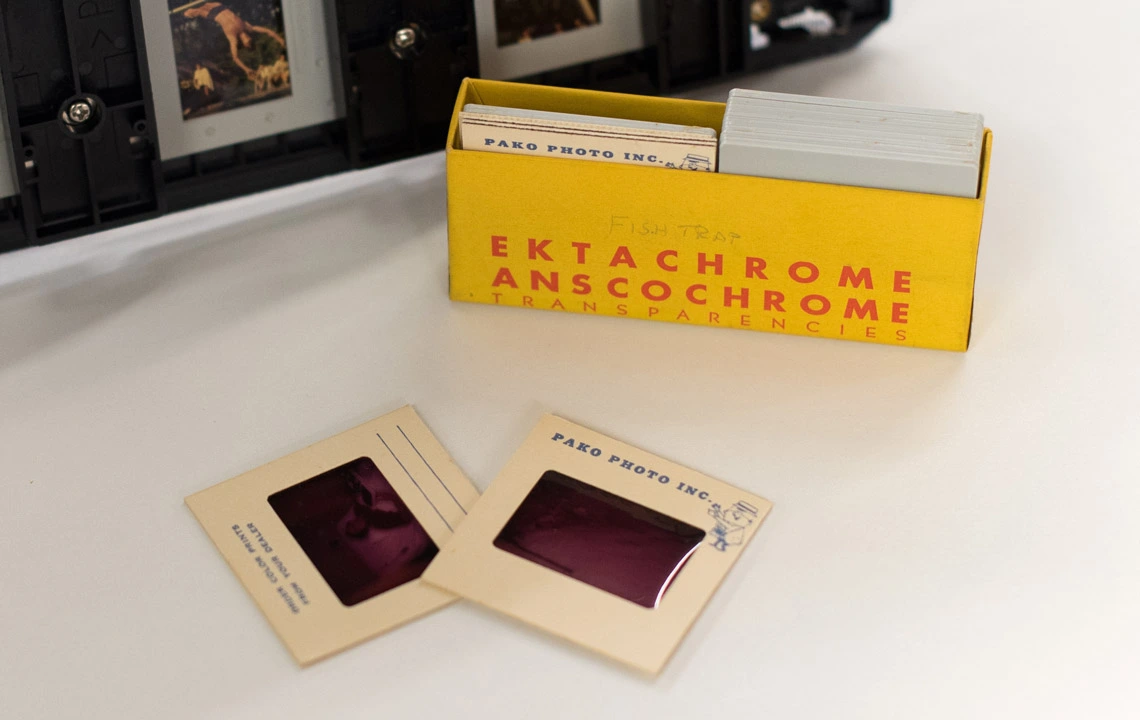
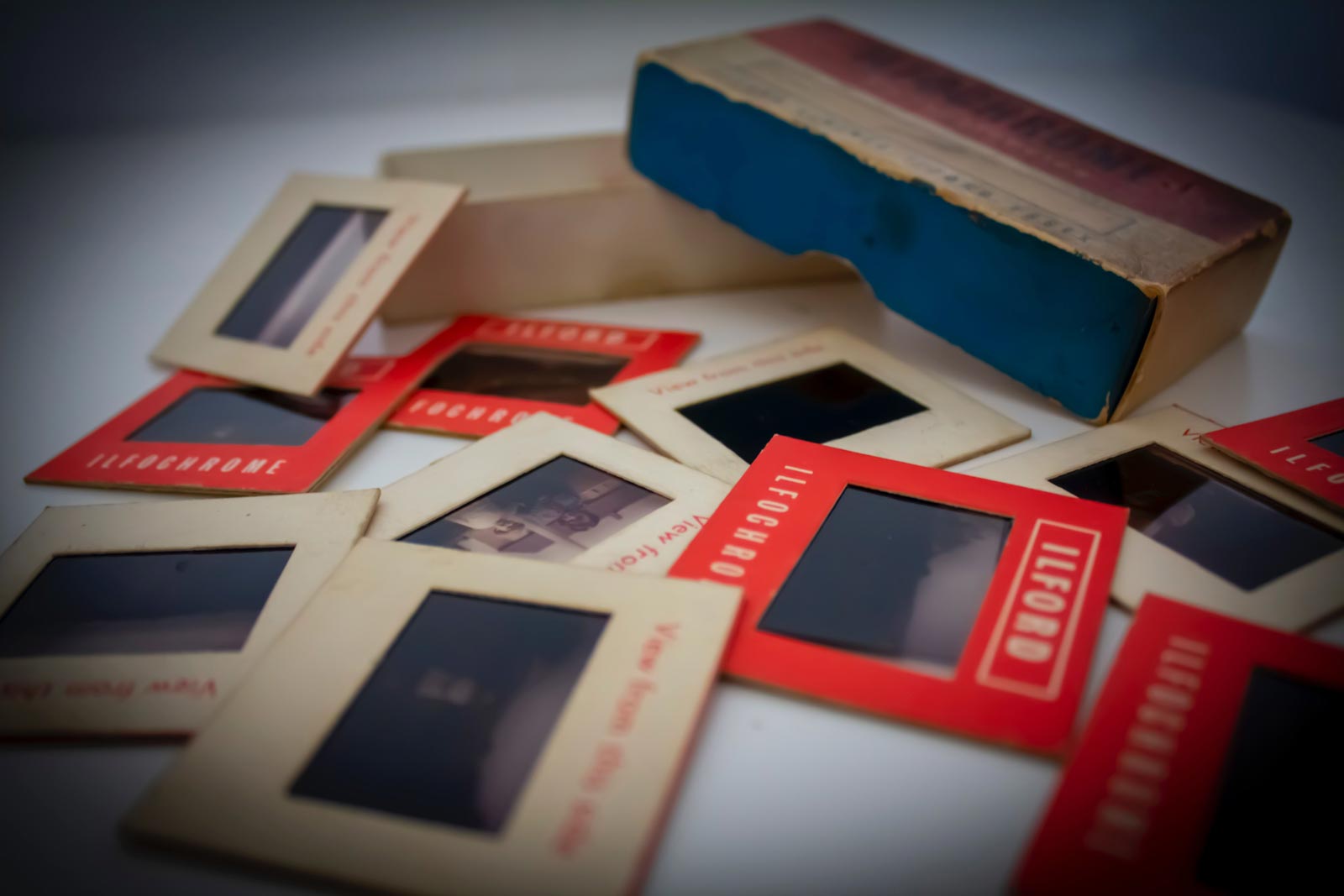
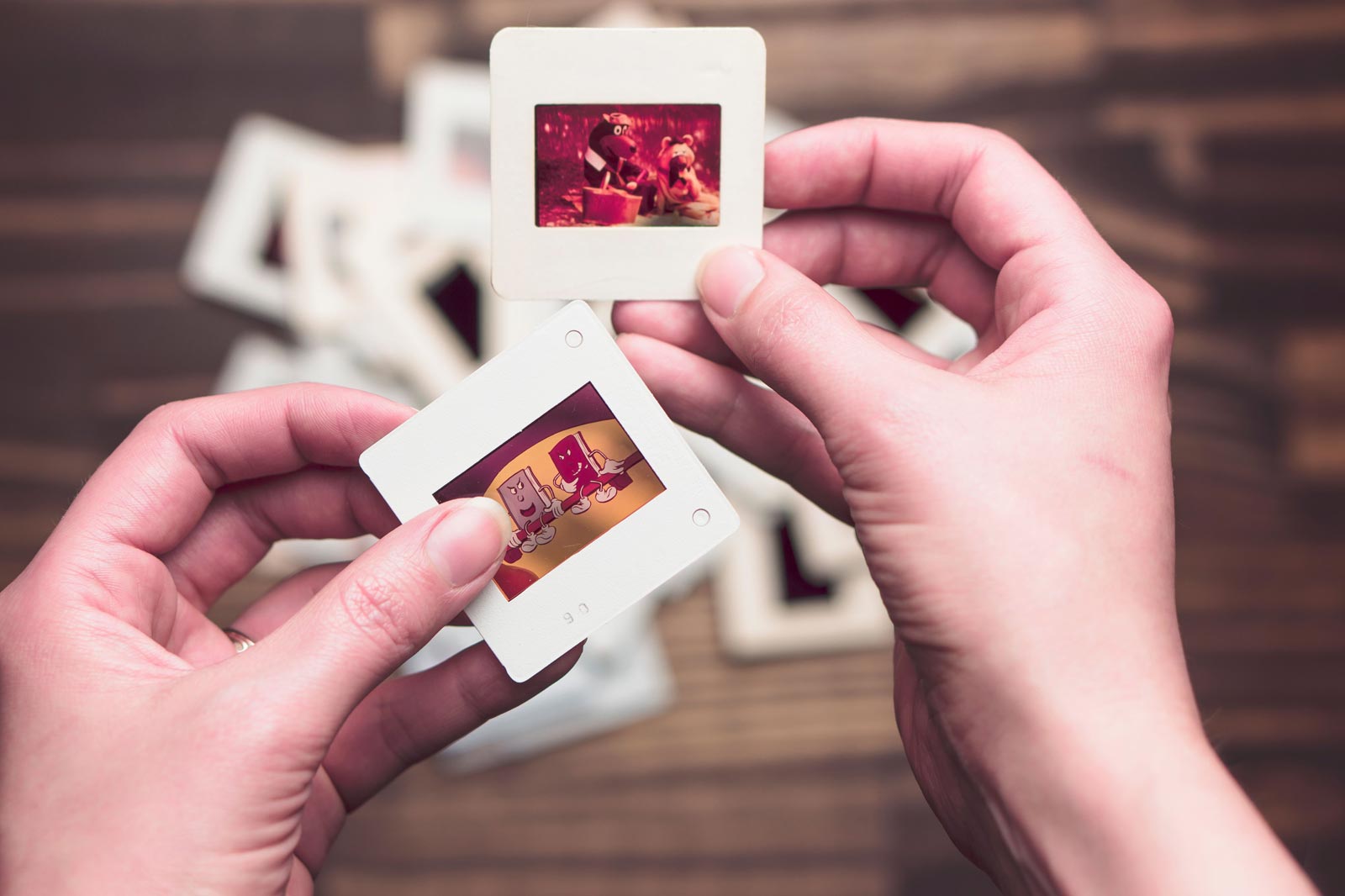
Can't find the bulb for your projector? Inherited a ton of slides and don't know what to do with them?
No problem! Bring them in and we'll create modern, digital files from them that can be enjoyed all over again. Your originals never leave our lab, so you can rest easy that they're in good hands.
This is the one thing that changes your price. Everything else follows from it.
Priced by the tray and photographed frame by frame at 4200 DPI. The economical way through a large collection.
| Tray | First | Additional |
|---|---|---|
| 80 slot | $50 | $40 |
| 140 slot | $80 | $70 |
Priced per carousel, not per slide — a half-empty tray costs the same as a full one.
Priced per slide, and you choose how they're scanned.
| Option | Resolution | First | Additional |
|---|---|---|---|
| Photographed on our carousel camera | |||
| Camera | 4200 DPI | $5 | $1 |
| Scanned on our Noritsu HS-1800 | |||
| High Res | 2200 DPI | $5 | $3 |
| Super High Res | 4700 DPI | $7 | $6 |
Glass and metal mounts add $1.00 each. Glass-mounted slides are Camera scan only. 16-bit TIFF files are available on Super High Res for $1.00 more per slide.
Two different machines, three options. The right one depends on what you plan to do with the files.
4200 DPI JPEG — $5 first, $1 each additional
We load your slides into Kodak carousels and photograph each frame with a 24-megapixel camera. The fastest and least expensive way through a large collection, and the files are big enough to print well past poster size.
2200 DPI JPEG — $5 first, $3 each additional
Each slide goes through the HS-1800 individually, with dust and scratch removal as it scans. Far more shadow detail than the camera gives.
4700 DPI JPEG — $7 first, $6 each additional
The HS-1800 at full resolution — about 30 megapixels, the largest and most detailed file we can make from a slide. For enlargements, restoration work, or anything you want digitized once and not again. 16-bit TIFF available for $1.00 more per slide.
Both scan options get color adjusted at the scanner as we work. It's a modest correction, not a rescue — see below on faded slides.
Both scan options run on a Noritsu HS-1800 — a professional film scanner built for photo labs, not a flatbed with a slide holder sitting on it. Noritsu discontinued them, and the labs that have one keep it running, because nothing in the consumer market replaced it.
It's the same scanner that handles every roll of film we develop, so it runs all day and stays dialed in. Each slide is transported and read individually through a dedicated mounted-slide carrier, in a transparency mode built specifically for reversal film rather than a generic profile.
Where you notice it is in the shadows. Slide film packs an enormous amount into the darkest part of a frame — more than a camera copy can lift back out. That's the difference you're paying for, and it's the difference that shows up in a print.
It also runs Digital ICE, which uses an infrared pass to find dust and surface scratches and repair them in the scan itself. It isn't magic and it won't catch everything, but on slides that have been sitting in a basement for forty years the difference is substantial — and it's something a camera copy can't do at all.
We also adjust color at the scanner as each slide comes through, in the scanner's own software. It's a modest correction and worth being plain about what it is: enough to take the edge off ordinary age, not enough to rescue a slide that's gone badly red or blue. If the color on a particular slide matters to you, tell us — that's retouching in Photoshop, one slide at a time, and we're glad to quote it.
At full resolution it reads a 35mm frame at roughly 30 megapixels. It's slower than the camera, one slide at a time, and that's exactly why it's priced the way it is.
Boxes, sleeves, shoeboxes, non-Kodak trays — all of it is fine. A few things worth knowing:
Sort them by date or subject before you come in if you can. It costs nothing and makes the finished set far more useful.
Four things to get right. Do these and your scans come back exactly as you'd expect.
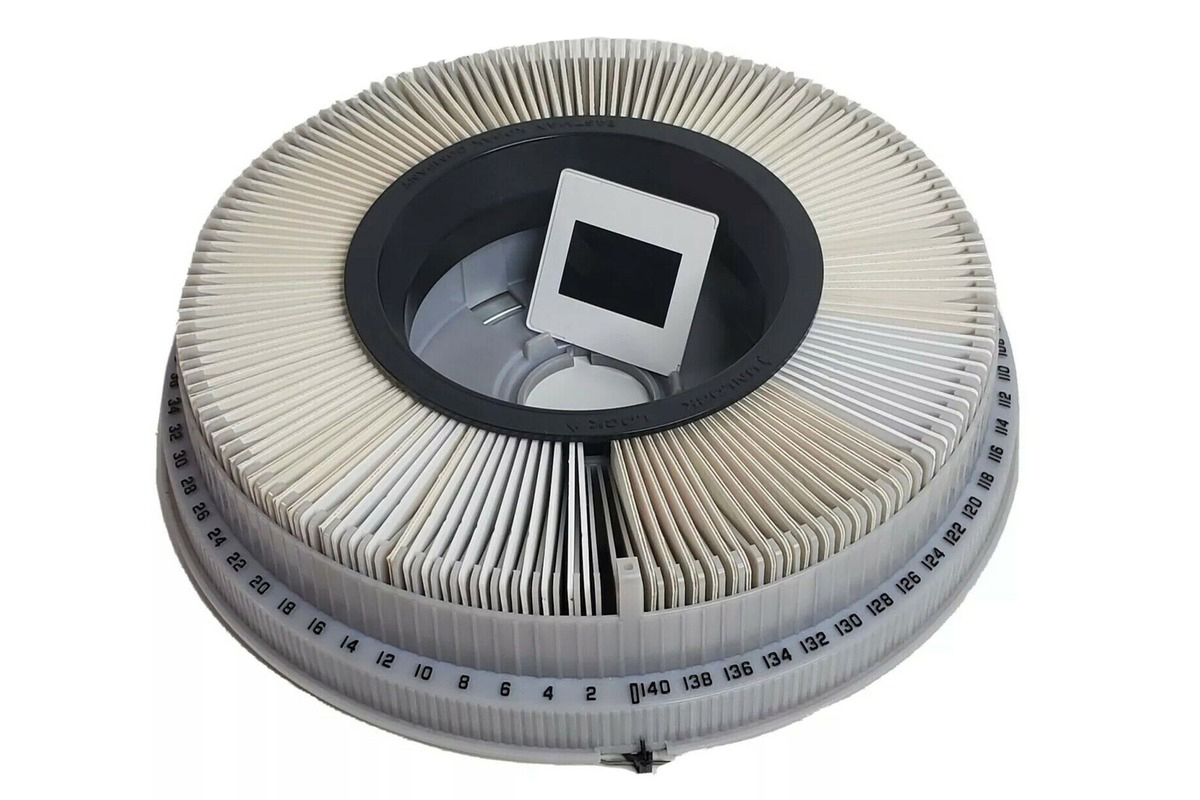
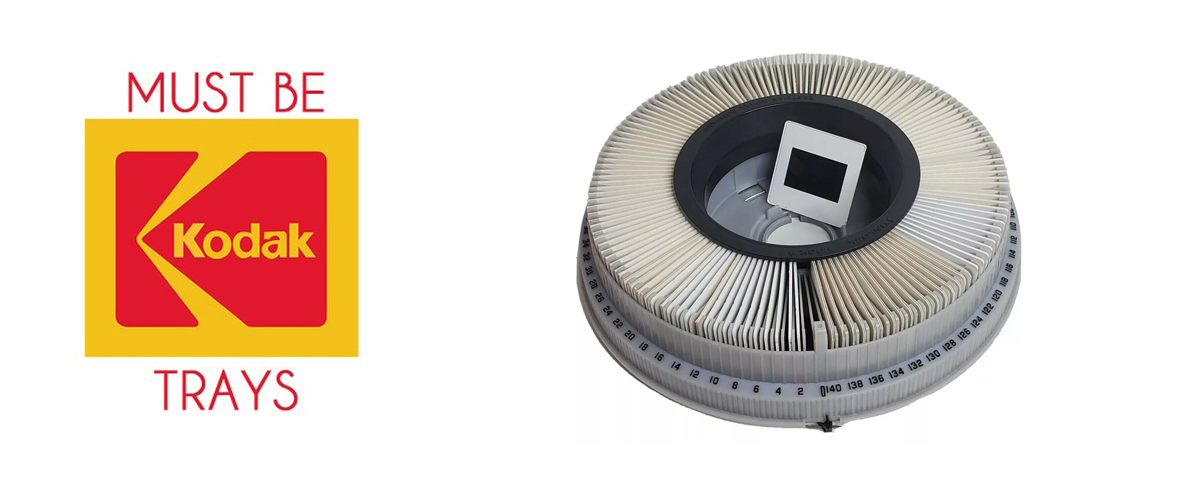
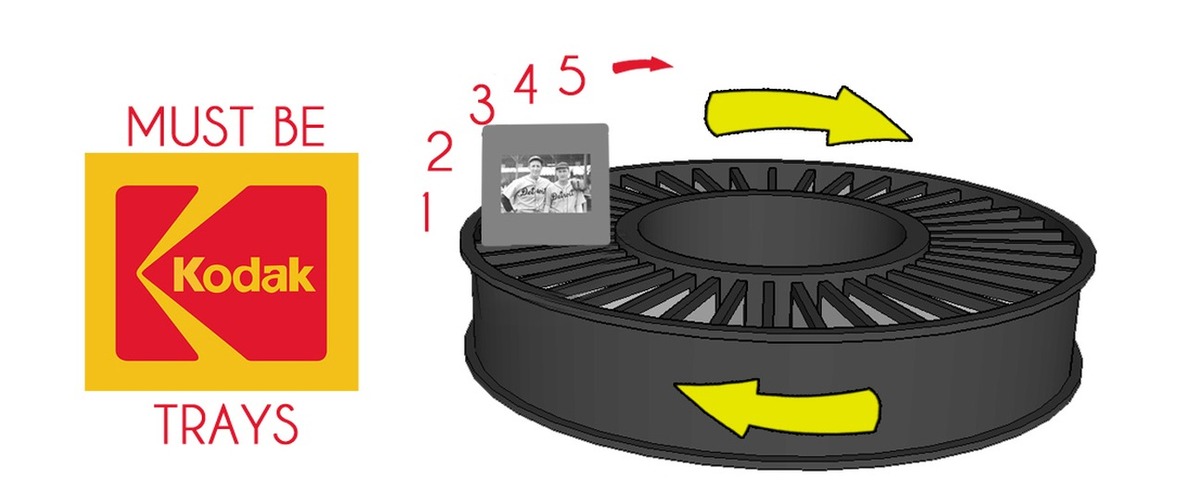
Our carousel system is built for Kodak carousels specifically, in either 80 or 140 slot. Other brands look similar but don't index the same way, so they're priced and scanned as loose slides. If you're not sure what you have, bring it in and we'll tell you. The tray advances one slide at a time and each frame is photographed with a 24-megapixel camera on a calibrated light source — the same setup, tray after tray, so a large collection comes back consistent.
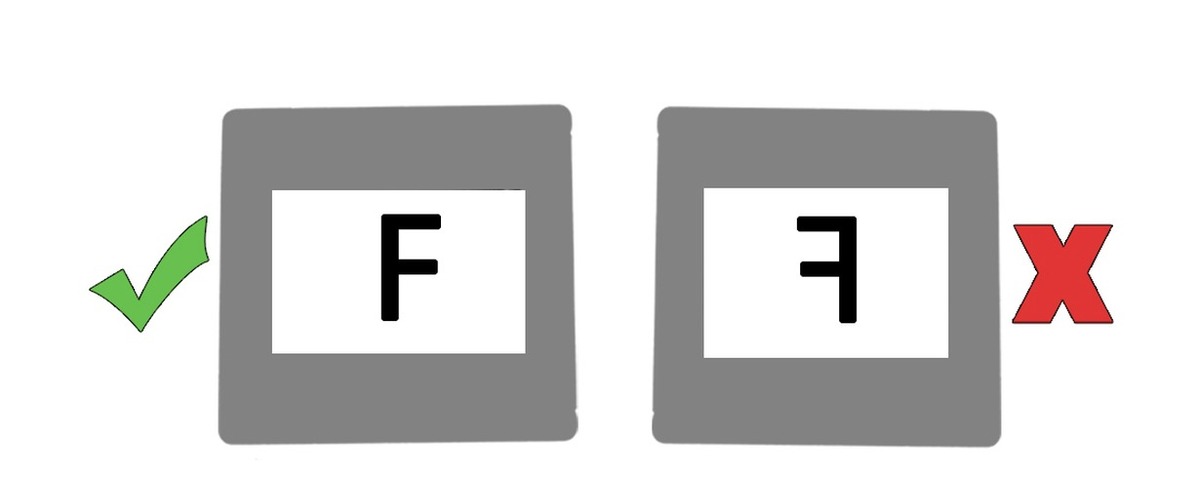
Slides go in with the front — the shiny side — facing you. If you held a slide with an F on it, the F should read correctly, not backwards. Get this wrong and the image comes out mirrored.
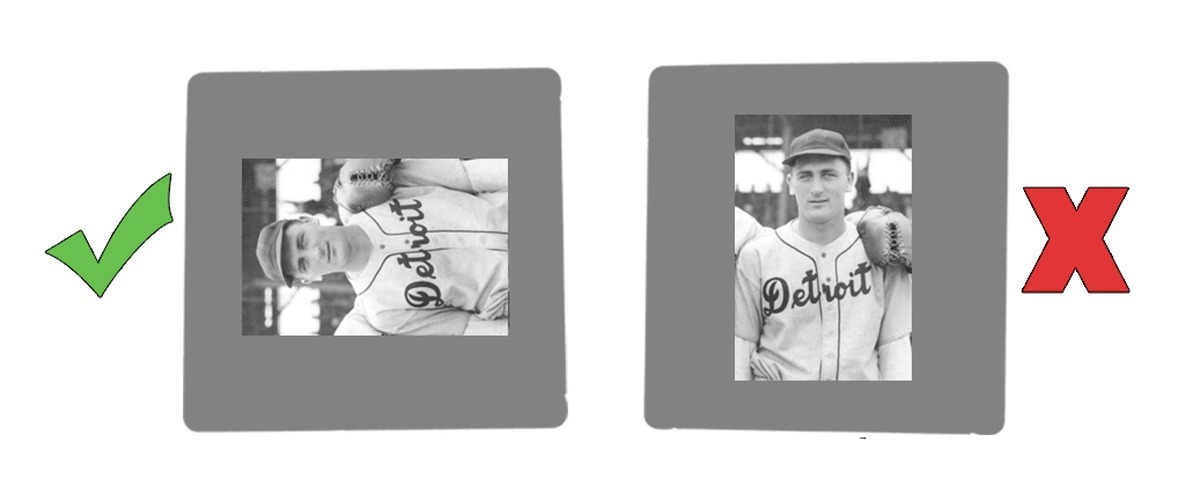
Every slide loads the same way regardless of which way the photo faces. A portrait shot goes in turned on its side — we rotate it back when we scan. Load it upright and the edges get clipped.
Start at slot 1 and work clockwise around the tray. Whatever order you load is the order your files come back in, so if chronology matters, sort before you load. Mark the tray and we'll keep your labels with the files.
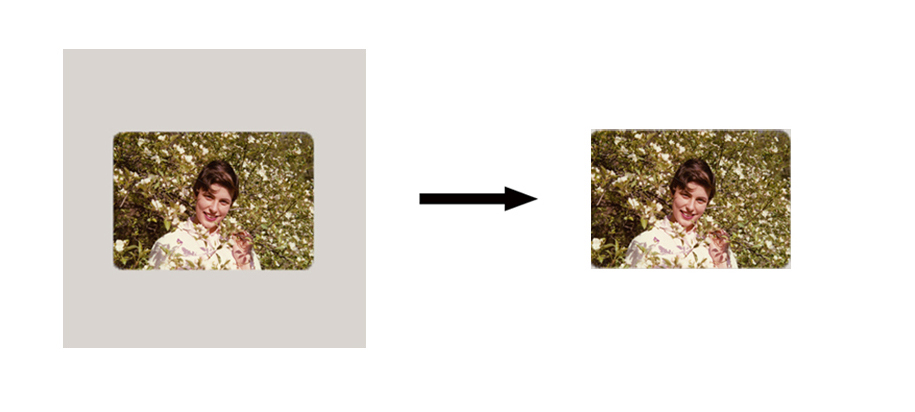
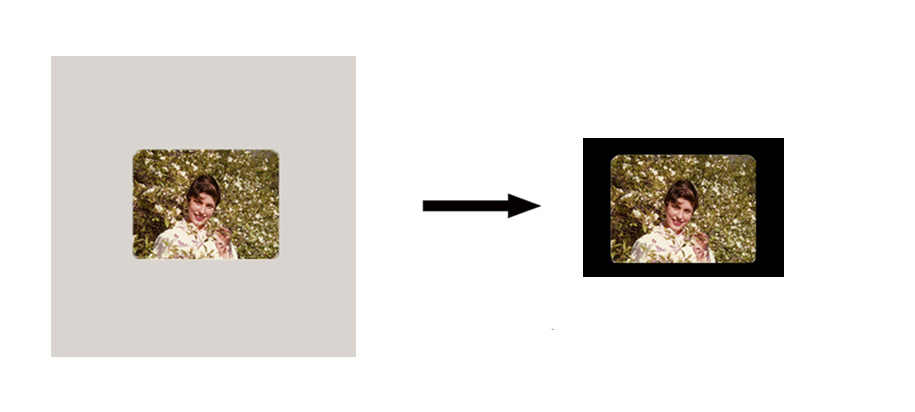
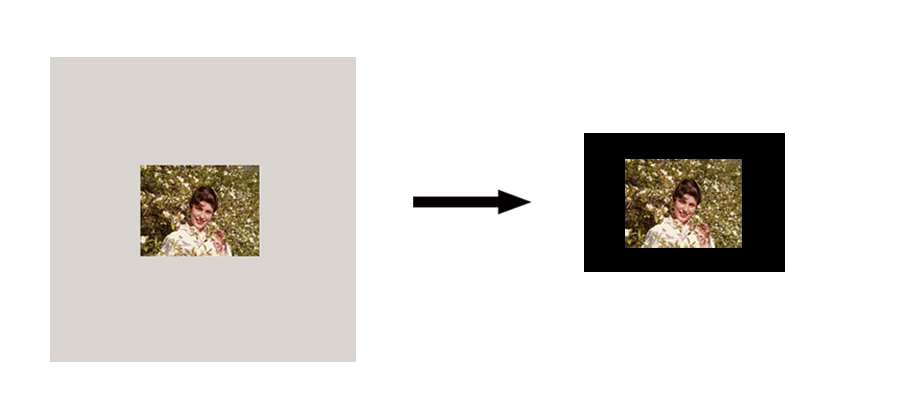
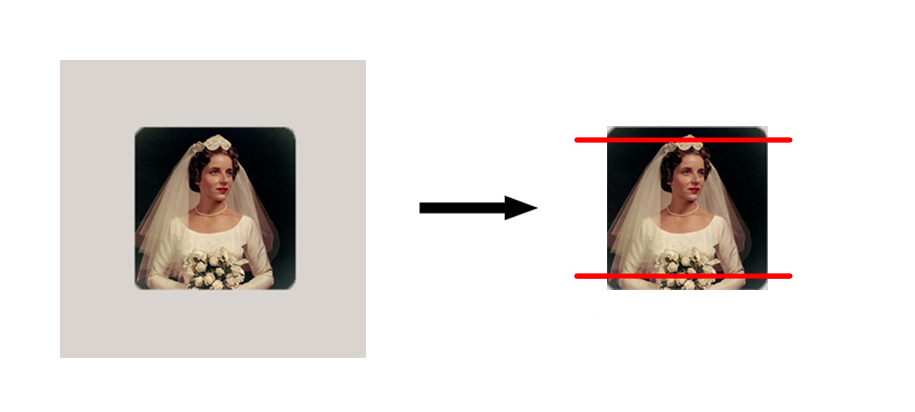
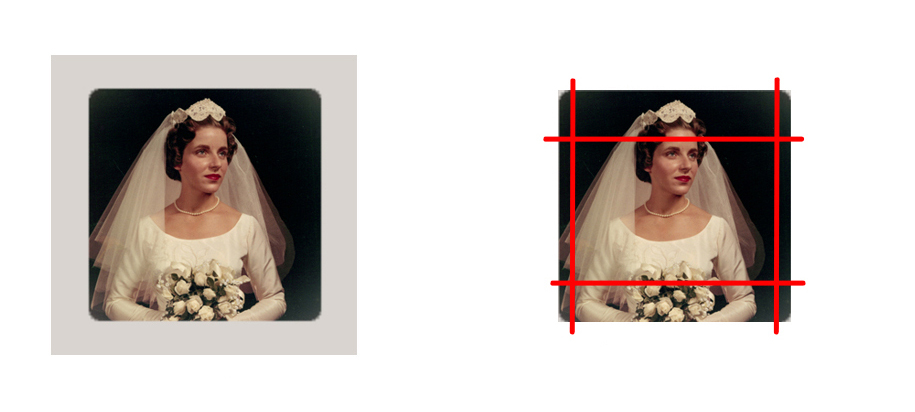
Both our scanning systems are built for 35mm, which is what most slides are. Other formats will scan, but the frame doesn't match the scanning window, so part of the image may be lost or show black at the edges — and this is the same on all three options. Don't want anything cut off? Flatbed scanning captures the entire frame regardless of format — ask us and we'll quote it.
The standard, and what our systems are built for. Whole image, edge to edge, nothing lost.
Smaller than the scanning window, so the full image is captured with black around the edges.
Also smaller than the window. Nothing is lost, but expect black framing around the picture.
Taller than the window, so part of the top and bottom is cut off. Flatbed if that matters.
Square, so top, bottom, and sides are all cropped. Flatbed is the better route for these.
We can, and we're glad to — that's exactly what our Camera scan is. But they'll be priced as loose slides either way. Carousel pricing is for slides that arrive already loaded. If you have a large collection and some time, loading them yourself is the single biggest thing you can do to lower the cost.
47 slides is where carousel pricing starts winning, even in a partly filled tray. Below that, loose pricing is cheaper. Bring them in and we'll work it out with you before anything gets scanned.
Because they come off two different machines. Camera scans run your slides through a carousel and photograph them — fast, and the files are large. High Res runs each slide individually through our Noritsu HS-1800 film scanner, which is slower but reads the film far better, particularly in the shadows, removes dust and scratches as it goes, and gets color corrected by hand. For a shoebox of family vacations, Camera is the sensible choice. For slides where the color matters, or that you'll want to enlarge, High Res is the better file even though the number is smaller.
Yes, and a lot of people do. Run the bulk of a collection through Camera, pull out the two dozen you actually care about and have those done on the HS-1800. Point them out when you drop off and we'll keep them separate.
They'll scan, but our scanning window is rectangular, so a square slide loses the top, bottom, and both sides — and that's true on all three options. If those slides matter, flatbed scanning captures the whole frame. Point them out when you drop off and we'll quote it.
Both add $1.00 each, for different reasons. Glass mounts are sealed and don't come apart, and they won't fit through the HS-1800's slide carrier — so glass-mounted slides can only be done as a Camera scan. Metal mounts do open, but they can't be put back together afterward; the film comes home unmounted or in a new mount, and we'll always ask before we open anything. If you have glass mounts and you want the best possible result from them, flatbed scanning is the route — bring them in and we'll quote it.
Always, along with your digital files. Your slides never leave our two locations while we have them, and they come home in the same trays or boxes they arrived in.
JPEG on all three options, delivered on a USB drive (starting at $20), through Google Drive, or AirDropped at the counter. 16-bit TIFF is available on Super High Res scans for $1.00 more per slide.
Only if you're editing or restoring, or archiving in a format you know you want. A 16-bit TIFF holds more color information than a JPEG and doesn't lose anything when you re-save it. It's also enormous — roughly 180 MB per slide, so a hundred slides runs about 18 GB. TIFF orders are USB pickup only, and they won't fit on a small drive. Bring your own and there's no charge for it, or buy one from us at the counter. If you're not sure, JPEG is the right answer.
Partly, and how much depends on which option you pick. Every slide is cleaned with an air process first, and occasionally an anti-static cloth for fingerprints. High Res and Super High Res scans then run Digital ICE on the HS-1800, which detects dust and surface scratches with an infrared pass and repairs them in the scan — it doesn't get everything, but it improves things quite a bit. Camera scans don't have that; the camera captures what's on the slide. Either way, anything left behind stays as it is, since removing it by hand is retouching rather than scanning. If a particular slide matters enough for that, it's restoration work and we're glad to quote it.
To a point, and it depends how far they've gone. Every scan on the HS-1800 gets some color adjustment as it comes through, and for the ordinary fading that comes with age that helps. Slides that have shifted badly are past what a scan adjustment will fix — those need work in Photoshop, one at a time, which is restoration rather than scanning. If that's what you're after, bring them in and let us know. We'll look at them with you and quote it before anything gets started.
© COPYRIGHT NOTE – Our policy is to make every effort possible to protect the rights of professional photographers. Work that is clearly copyrighted will not be scanned without the written permission of the photographer/creator.
Hite Photo + The Print Refinery® has been professionally preserving memories for over 100 years. Using a trusted local expert is the safest way to protect your one-of-a-kind family memories.
Digitizing services are completed inside both our Bloomfield Hills and West Bloomfield, MI facilities.
For more information, please contact us.
Contact Us